The folks at Xiegu have provided minor updates to their popular G90 and the newer G106 transceivers.
G90 Changelog
UPDATE DISP UNIT ONLY!!
File: G90_DispUnit_Fw_V1.80
SHA-256: B0730B08500DFDD2BA767B390CD349606252B0B44FBBA7DE3130F192A1493F3A

[EN]
1. To work with JTDX/WSJTX (or some other data mode softwares), add CI-V commands 0x25,0x26,
   See <<XIEGU RADIO CI-V REFERENCE>> and <<XIEGU RADIO JTDX WSJTX SETTINGs>>
2. Add CI-V command 0x1d 0x19, read the XIEGU RADIO ID,
   See <<XIEGU RADIO CI-V REFERENCE>>
And for the G106
[EN]
1. To work with JTDX/WSJTX (or some other data mode softwares), add CI-V commands 0x25,0x26,
   See <<XIEGU RADIO CI-V REFERENCE>> and <<XIEGU RADIO JTDX WSJTX SETTINGs>>
2. Add CI-V command 0x1d 0x19, read the XIEGU RADIO ID,
   See <<XIEGU RADIO CI-V REFERENCE>>
3. Bug fix: Can't totally mute when RX volum set to 0
4. Bug fix: ACC TRX Pin is output only (now it's bidirectional)
5. Bug fix: Won't lock the long press key
6. Set RX audio bandwidth to 10~3300Hz in data mode
Neither brings with it substantive capability updates, but always nice to see a company continue to update their offerings.
I’ve owned a few different printers now over the years and am currently running a Creality Ender 3 v2 Neo and a FlashForge Adventurer 3.
The Ender 3 v2 Neo prints PETG and TPU beautifully. The FlashForge can spit out small PLA and ABS prints without troubleshooting.
This is not a 3d printer review but I’m mentioning because I know I’ll be asked.
This is highlighting some of the cool prints (I think anyway) that I’ve leveraged over the last couple of years that might be helpful to you. I’ve broken them down by high level types.
Of front I’ll just say that I now print almost entirely in PETG. I’ve found it combines a lot of the properties of ABS and PLA that I’ve desired for different uses into a single offering. It isn’t perfect, but it works for almost all of my needs today. (TPU not withstanding 🙂 )
Antennas and Accessories
Simple searches for things like EFHW antennas can turn up several options. I’ve done a couple of them including this one.
If you have built one of K6ARK‘s antenna kits then this might be of use to you. His antenna winder design has a built-in BNC clip and it fits the 9:1 random wire build I did recently. His repository on Printables can be found here.
Other wire antenna winder examples can be found here and here.
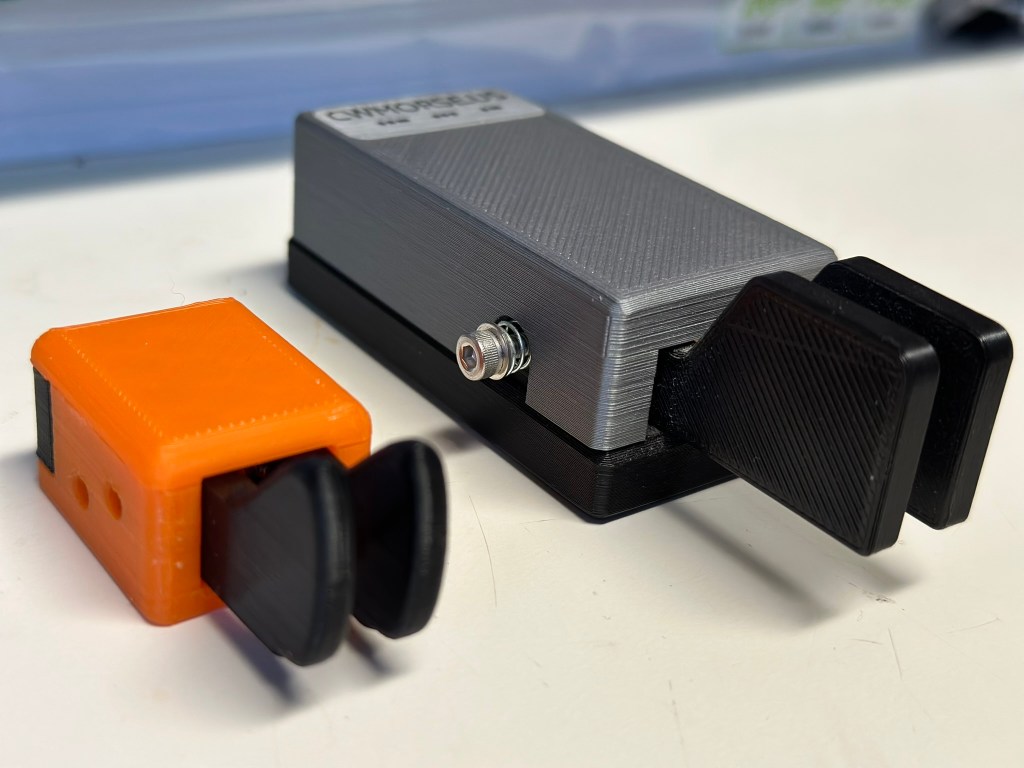
Speaking of K6ARK’s models linked above, I recently printed both his dual level paddle and single level paddle models.
Here is the dual lever paddle next to the excellent CW Morse portable paddle. I’m putting together a review of this and the single lever model shortly.
Radio Specific Prints
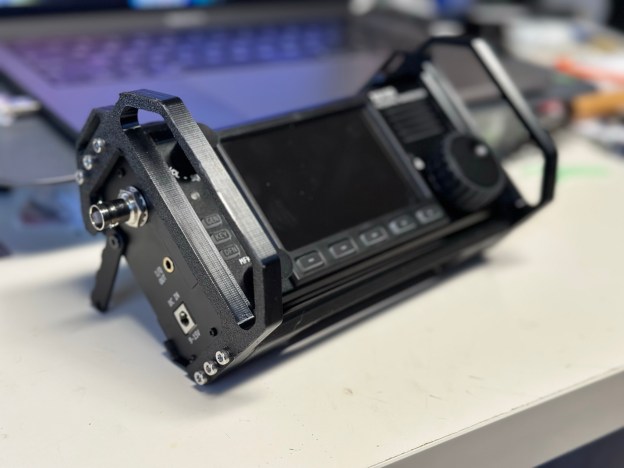
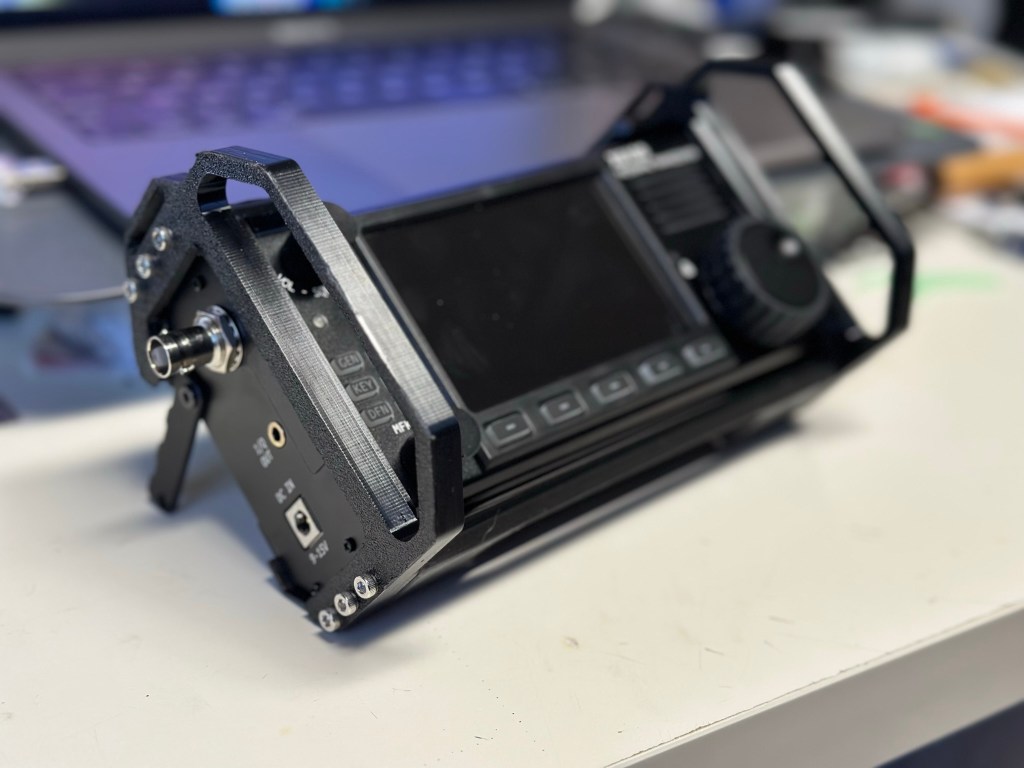
I just completed this build for my x6100 over the weekend.
It adds side, front, top, and bottom protection while leaving the back exposed for heat management. Additionally, the top and bottom pieces have a 3mm or so gap between them and the radio which, plus cutouts, allow for airflow across the heatsinks as well.
This is the first print where I’ve used heat set inserts to connect prints together and I’m sold on the utility of them. Combined with the 12 (yes, 12) M3x25 screws it is a very solid accessory that I expect will last quite a while.
(and if something breaks I’ll just print another)
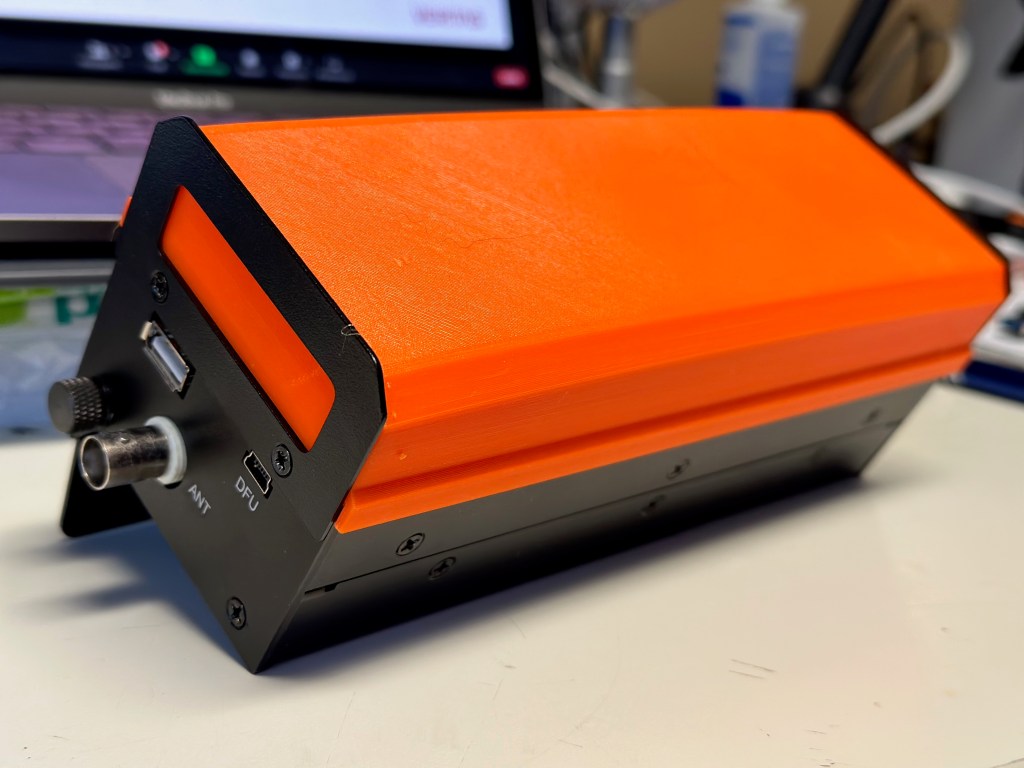
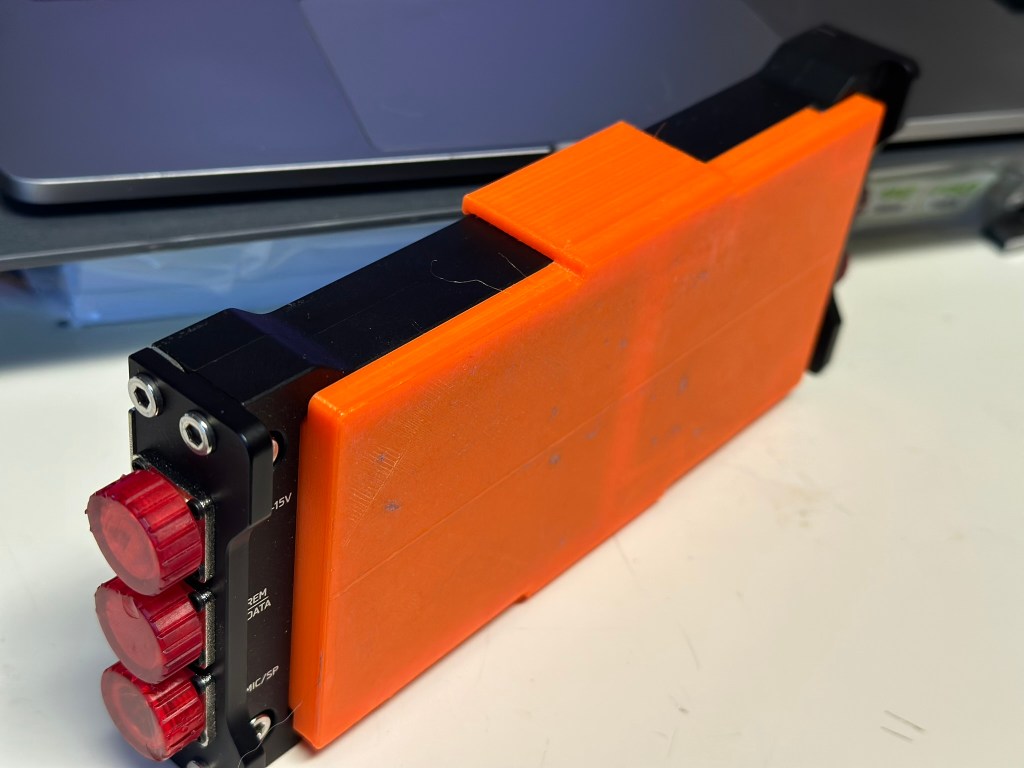
mcHF cover to protect the front controls. This print was done with an earlier printer that I’ve since given to my son, and there is significant lifting on each end that I’ve since solved. I kind of like the curve it created though…
Yes you can see just how well PETG sticks to painter tape. This was done with my original Ender 3 (i.e. v1.1.3 mainboard – yikes!). Doesn’t affect the functionality or strength.
You can also print the end caps shown above using this model. Note that was done with a resin printer and I am probably going to reprint them in PETG. Resin doesn’t have quite the durability I need.
Some other radio specific prints I have either already printed or have in my queue to do so:

 kd0hbu